Reminders that wait
Your next interval begins after you respond—not while a notification sits unanswered.
Paani Pidhu10 Minute PachhiSkip
A friendly floating companion that reminds you to drink water, waits while you’re busy, and keeps every drop private on your PC.
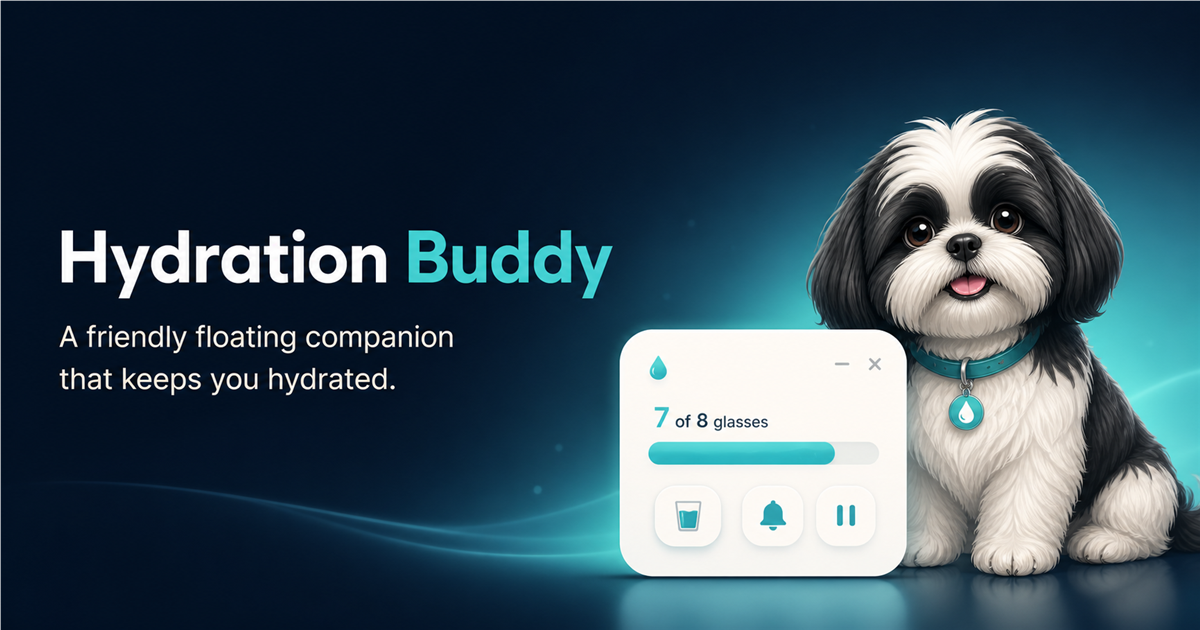
Your next interval begins after you respond—not while a notification sits unanswered.
Log a drink, snooze for 10 minutes, or skip without breaking concentration.
Quiet hours, DND, idle, lock, sleep, and full-screen handling reduce interruptions.
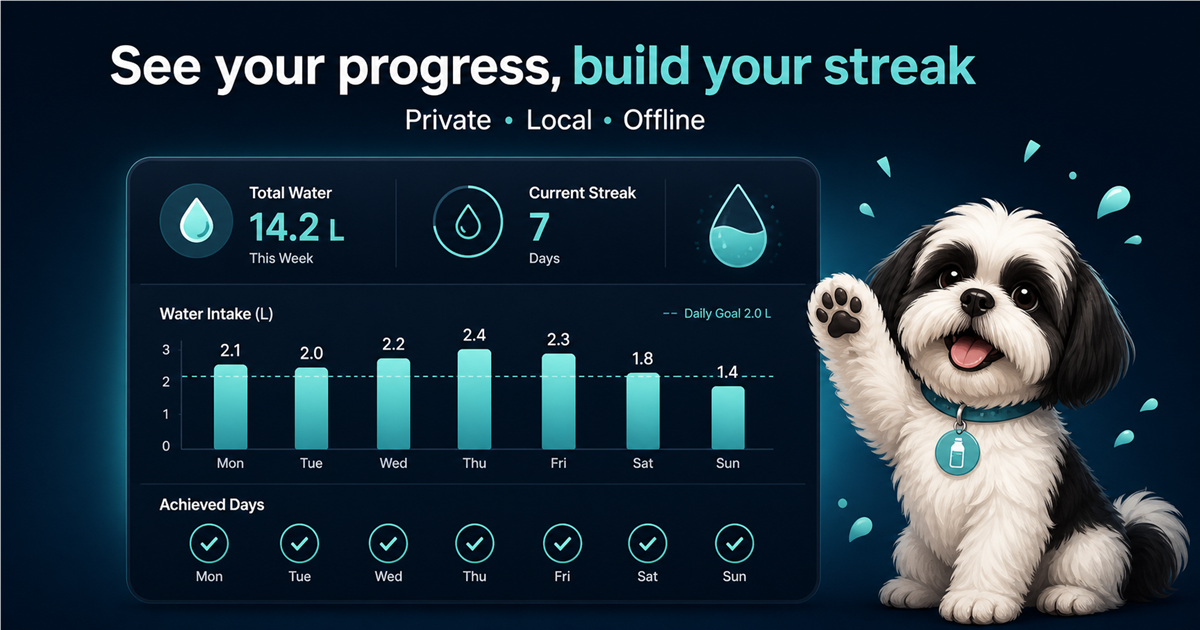
Track daily targets, weekly totals, achieved days, and hydration streaks.
Use the Shih Tzu or upload one transparent PNG as your personal avatar.
English, Gujarati, Gujlish, and custom reminder messages are supported.
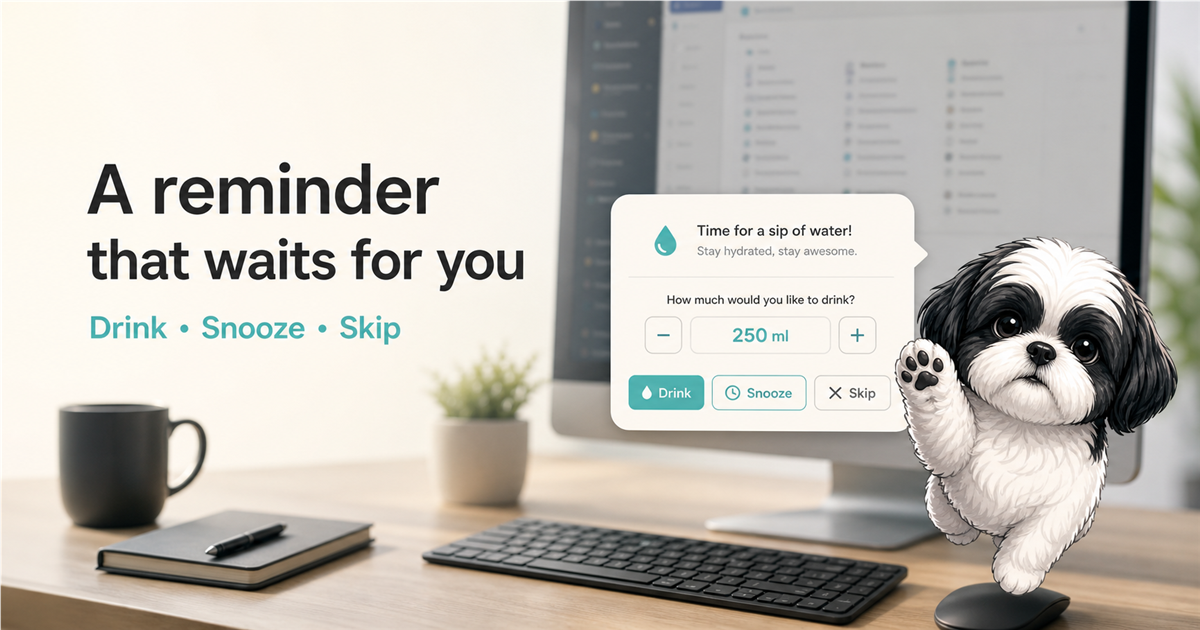
The countdown pauses while you are away, asleep, locked, inside quiet hours, or presenting full-screen. No notification pileup and no aggressive catch-up reminders.
A fresh interval starts after you respond.
Keep the pet visible or hide it in focus mode.
Soft tone, cute bark, custom audio, or mute.
DPI-aware positioning across monitors.
Choose a daily target and container size, add or undo water in one click, and review a weekly picture that stays simple enough to act on.
Upload one transparent PNG and Hydration Buddy adapts it across attention, drinking, happy, sleepy, thirsty, stretching, and celebration moments.
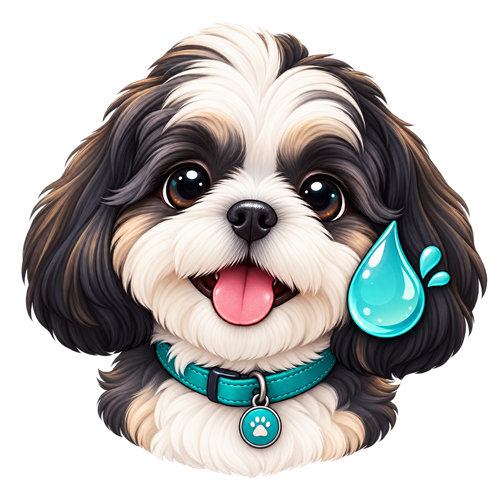 ✦ Custom avatar ready
No required account. No analytics. No ads. No cloud dependency. Your profile, settings, and hydration history live locally and core reminders work without internet.
Hydration Buddy is free for the first 25 personal-beta users while future licensing is planned. Register once to receive the Windows installer and complete installation guide.
Installer + INSTALLATION.txt · Windows x64 No license key is required in this beta build. One email uses one spot; returning users can download again without using another spot. Hydration data remains local on the PC.No. Reminders and hydration tracking work without a login.
Full-screen detection, quiet hours, Do Not Disturb, and idle awareness keep reminders calm while you focus.
Your entries and settings are stored locally under your Windows user account. You can export or delete them whenever you want.
Yes. Upload one transparent PNG and use it as your floating companion.
The current beta is built for 64-bit Windows 10 and Windows 11 PCs.